Dictionary





The dictionary is built into the site: it pops up when you click a Pali word while reading, and it opens in the "Dict" tab of the Quick Window. The built-in dictionary is DPD (Digital Pāḷi Dictionary). The full version with every dictionary is a separate site, dict.dhamma.gift — more on it below.
Try it on this page
The dictionary is connected right here: click a Pali word — bhagavā,
dukkha, nibbāna. The icon  turns the
dictionary on and off; on the site Alt+A does the same.
turns the
dictionary on and off; on the site Alt+A does the same.
Pick a dictionary mode and try it in the reader
Below is a real reader page with Quick Settings open. In the "Dictionary" block pick the language and the mode, then click any Pali word in the text. On the site Quick Settings open from the sliders icon in the search field or with Alt+S.
Modes in the list: the built-in DPD, Dict.DG in a popup, in a new window or mini, DharmaMitra.org, search only, and external apps (DPD Android, DictTango Android, Mdict iOS, GoldenDict-NG Desktop). Alt+B switches the mode.
The built-in DPD mode works fully offline: the dictionary data loads once (as a script, in English or Russian) and every lookup after that runs locally in the browser — no request to dict.dhamma.gift or anywhere else. It's a smaller, single-dictionary alternative to the full Dict.Dhamma.Gift platform below, meant for reading with no or a poor connection.
If a word isn't in the built-in DPD, the popup offers two links instead: Search on Dhamma.gift and Search in the full Dict.Dhamma.Gift.
Multi-select: phrases and sentences
A click opens one word. To look up a phrase or translate a whole sentence, turn on multi-select — the selection icon in the reader toolbar or Alt+J — and select that part of the Pali text. After 3 seconds the selection opens by itself in the dictionary of the chosen mode. For translating and parsing a sentence, the DharmaMitra.org mode or a right click on the DG button in the dictionary window works best. The delay (3 or 5 seconds) can be changed in Settings, under "Multi-select".
The dictionary window
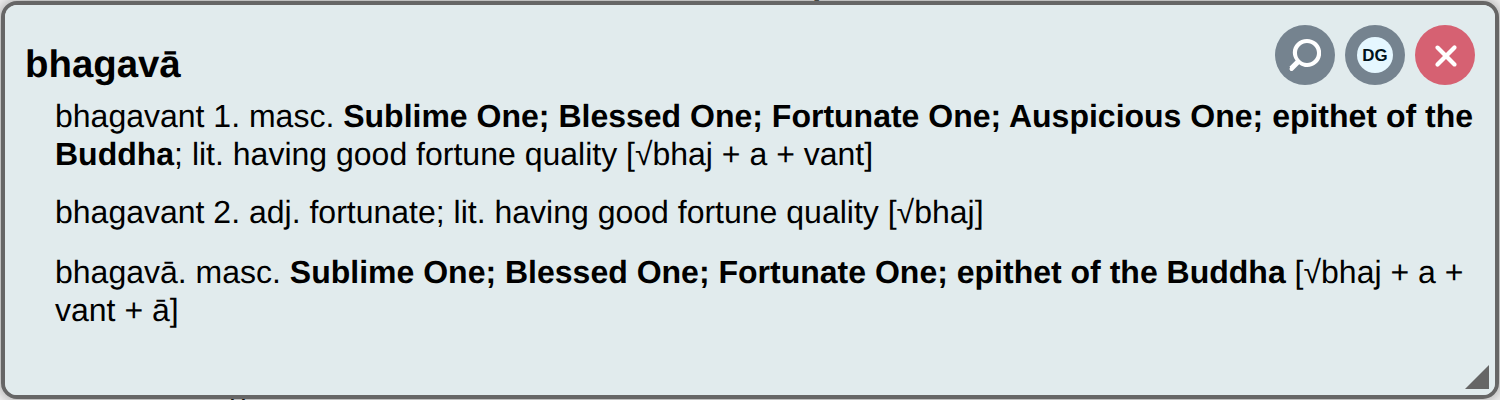
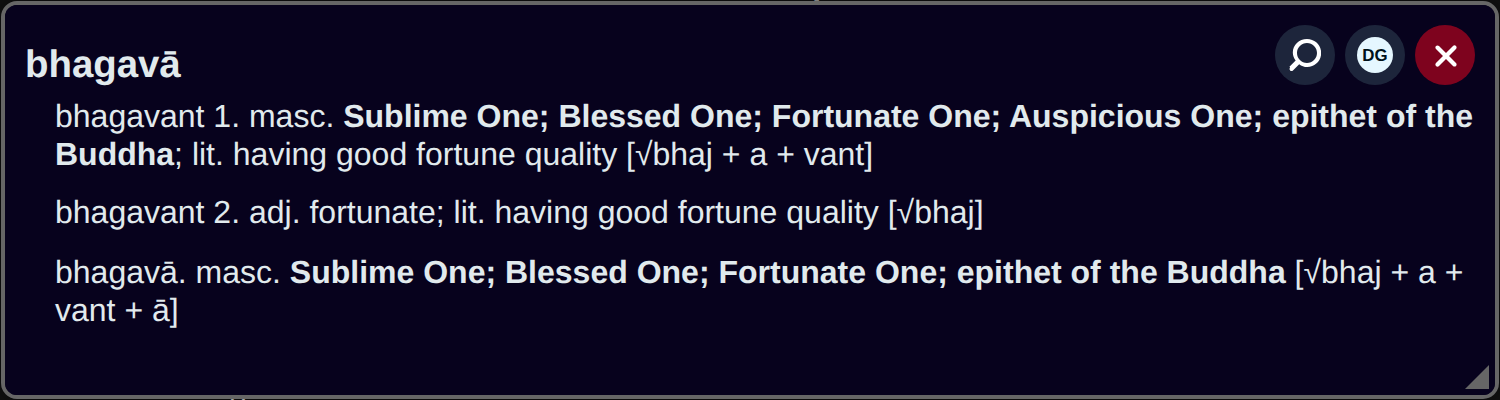
| Button | What it does |
|---|---|
| 🔍 | Searches the texts on Dhamma.Gift for the word |
| DG | Opens the word in the full dictionary — dict.dhamma.gift |
| DG with a right click, a middle click or a long tap on a phone | Opens DharmaMitra — grammar analysis and research on the word |
| ✕ | Closes the window (Esc) |
Drag the window by its title and resize it from the bottom right corner.
The full version: Dict.Dhamma.Gift
Dict.Dhamma.Gift isn't just one dictionary, it's a platform: DPD, the Gandhari and PTS dictionaries, Buddhadust, Wisdom Library, Sanskrit dictionaries and definitions from the Suttas and Vinaya in one place.
The same dictionary is on the site at dhamma.gift/dict, and it works offline there. Add a word to the address to open its page: dhamma.gift/dict/dukkha.
The word page
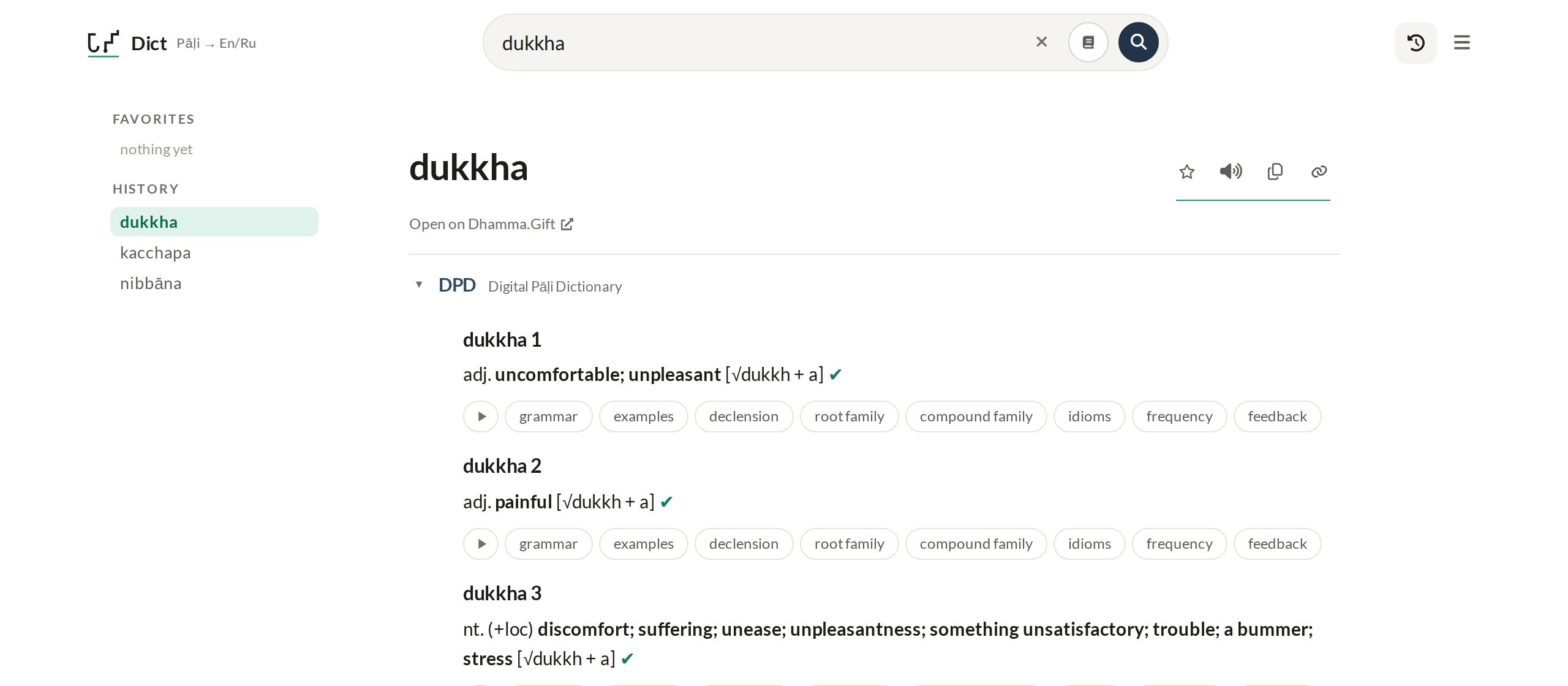
- On the left — favorite and recent words. The clock button in the header hides and shows this column; on a phone it opens the list.
- Next to the word — ☆ to favorites (Alt+Q), 🔊 read aloud (Alt+R), copy the word and a link to it.
- "Open on Dhamma.Gift" — searches the site's texts for the word (Alt+3 does the same).
- Double-clicking any word inside an entry also searches for it.
- The dictionary blocks can be moved up and down (↑/↓). In the Sanskrit block, +/− expands or collapses all its dictionaries.
The ☰ menu
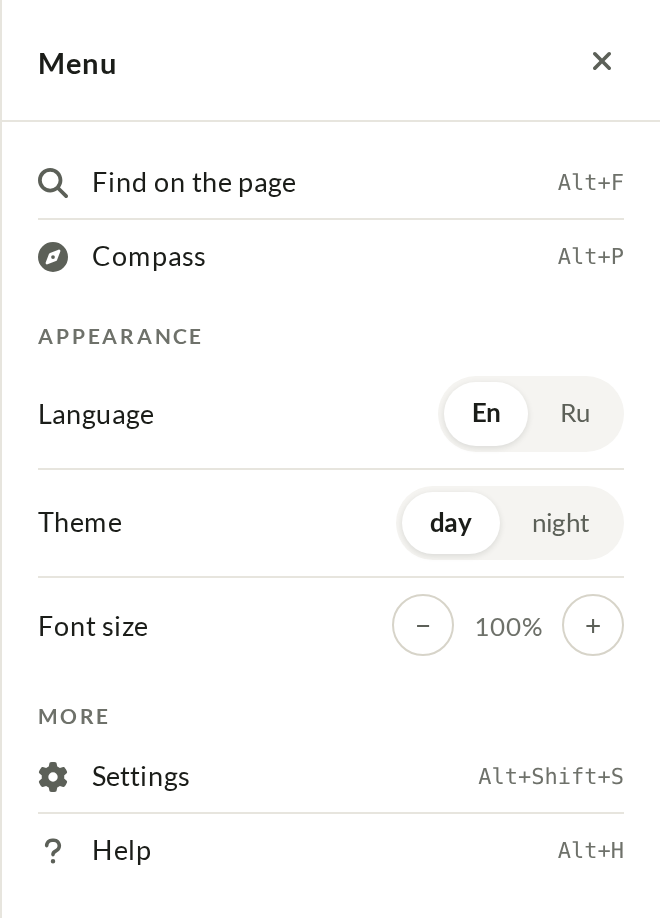
The menu (Alt+M) is one panel:
- Find on the page (Alt+F) — search the open entry, the same as on the site.
- Appearance — interface language, light or dark theme, font size (Alt+− / Alt+= / Alt+0), sans or serif font, niggahita spelling (ṃ/ṁ).
- Expand right away — which entry sections open at once (grammar, examples, summary) and the "one section at a time" mode.
- Text and sound — the sandhi mark (’), the read-aloud voice, project links.
- Data — the offline dictionary, clearing history and favorites, resetting settings.
Help (?, Alt+H) and Share are icons in the menu header. On dhamma.gift/dict the menu also has Compass (Alt+P) — the Dhamma.Gift quick window with the site's favorites and history, key suttas and Memo.
Offline mini-dictionary
Under Menu → Data, a download button saves a small DPD dataset (~3.7 MB) right in the browser. Once downloaded, it works as an automatic fallback: if a live lookup can't reach the server, this page shows short entries from the downloaded data instead — no separate "offline mode" to turn on, it just kicks in when needed. The button turns into delete once the data is downloaded, to free the space back up.
Other dictionaries — Alt+S
The book button in the search box (or Alt+S) opens the same word in other dictionaries and resources:
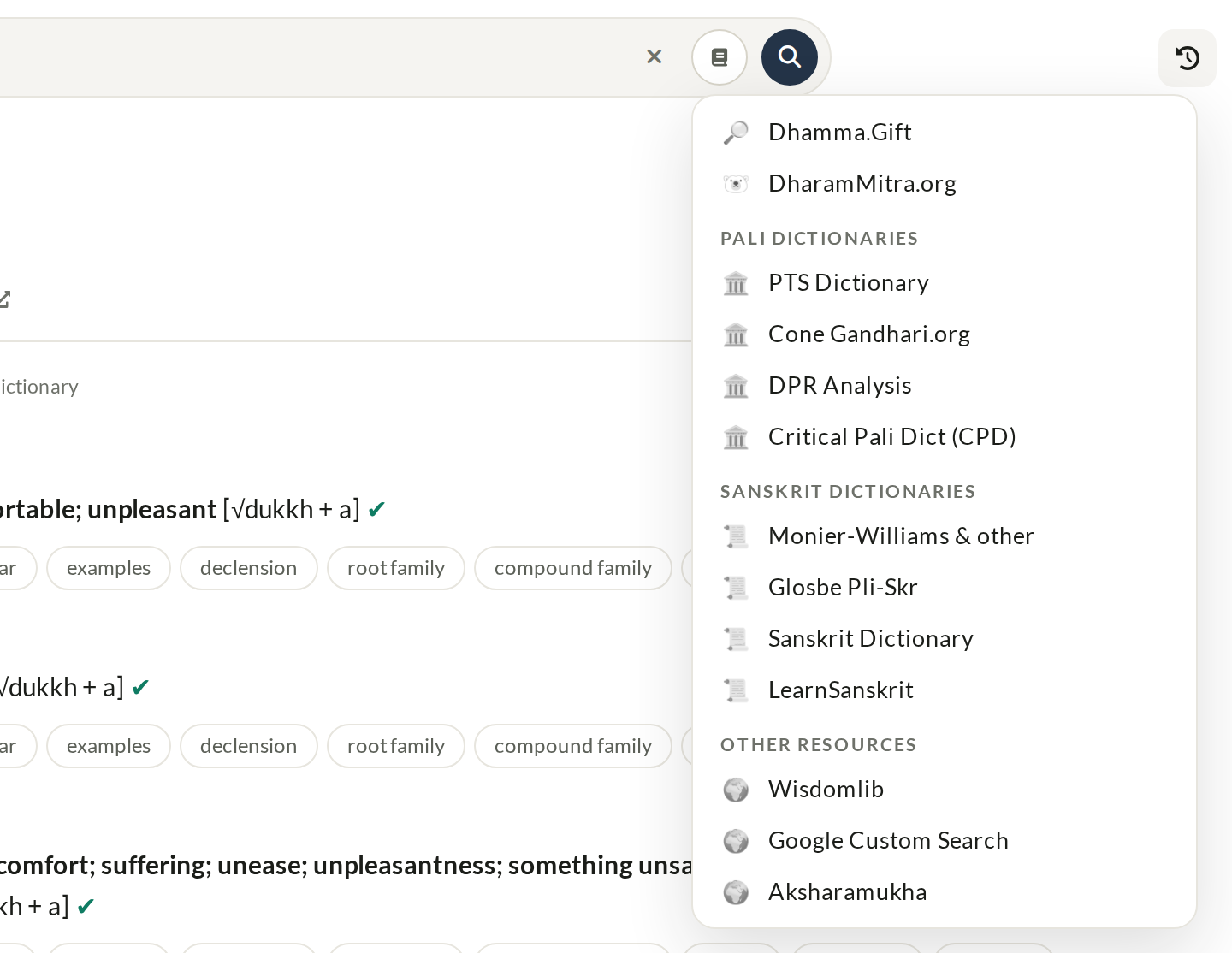
- Dhamma.Gift and DharmaMitra.org — search the texts and grammar analysis.
- Pali dictionaries — PTS Dictionary, Cone (Gandhari.org), DPR Analysis, Critical Pali Dictionary (CPD).
- Sanskrit dictionaries — Monier-Williams and other dictionaries from sanskrit-lexicon.uni-koeln.de, Glosbe Pāḷi-Sanskrit, Sanskrit Dictionary, LearnSanskrit.
- Other resources — WisdomLib, Google Custom Search, Aksharamukha (script converter).
Dictionary hotkeys
| Key | Action |
|---|---|
/ | Focus the search box |
| Alt+M or Alt+Shift+S | Menu |
| Alt+P or Alt+Y | Compass — the Dhamma.Gift quick window (only on dhamma.gift/dict) |
| Alt+F | Find on the page |
| Alt+S | Look the word up in another dictionary |
| Alt+H | Help |
| Alt+Q | Add the word to favorites |
| Alt+R | Read the word aloud |
| Alt+T | Toggle theme |
| Alt+− / Alt+= / Alt+0 | Smaller / larger / normal font size |
| Alt+1 | Switch interface language (En/Ru) — or click «Pāḷi → En/Ru» next to the logo |
| Alt+2 | Dhamma.Gift table of contents |
| Alt+3 | This word in Dhamma.Gift search |
The Dict.Dhamma.Gift app
The app for phones has a few things of its own:
- Select a word in any app (Android) — Dict.Dhamma.Gift appears in the text-selection menu next to Copy (or under ⋮) and opens the word.
- Share — share a word or a link to Dict.Dhamma.Gift. On iPhone and iPad the entry opens right in the share sheet.
- Pāḷi letters above the keyboard — ā ī ū ṁ ṅ ñ ṭ ḍ ṇ ḷ and a Paste key; "…" adds a second row for Sanskrit. The row can be turned off in the menu.
- Recent words on the icon (Android) — long-press the app icon to open one of your last words.
- Quick open (Android) — a Quick Settings tile.
A separate site and browser extensions
Dict.Dhamma.Gift is a separate site you can open directly: dict.dhamma.gift. It also works outside Dhamma.Gift as a browser extension (Chrome, Firefox, Edge, Opera), in the side panel by default. The DPD popup dictionary is available as a Tampermonkey script (installation); the plugin can be embedded on any site (details).